
Command line
On Windows use reelforge.cmd; on macOS/Linux ./reelforge (or add the folder to your PATH). From a source checkout, pnpm reelforge works everywhere. Every command and option is listed in the CLI reference, generated from the command definition itself.
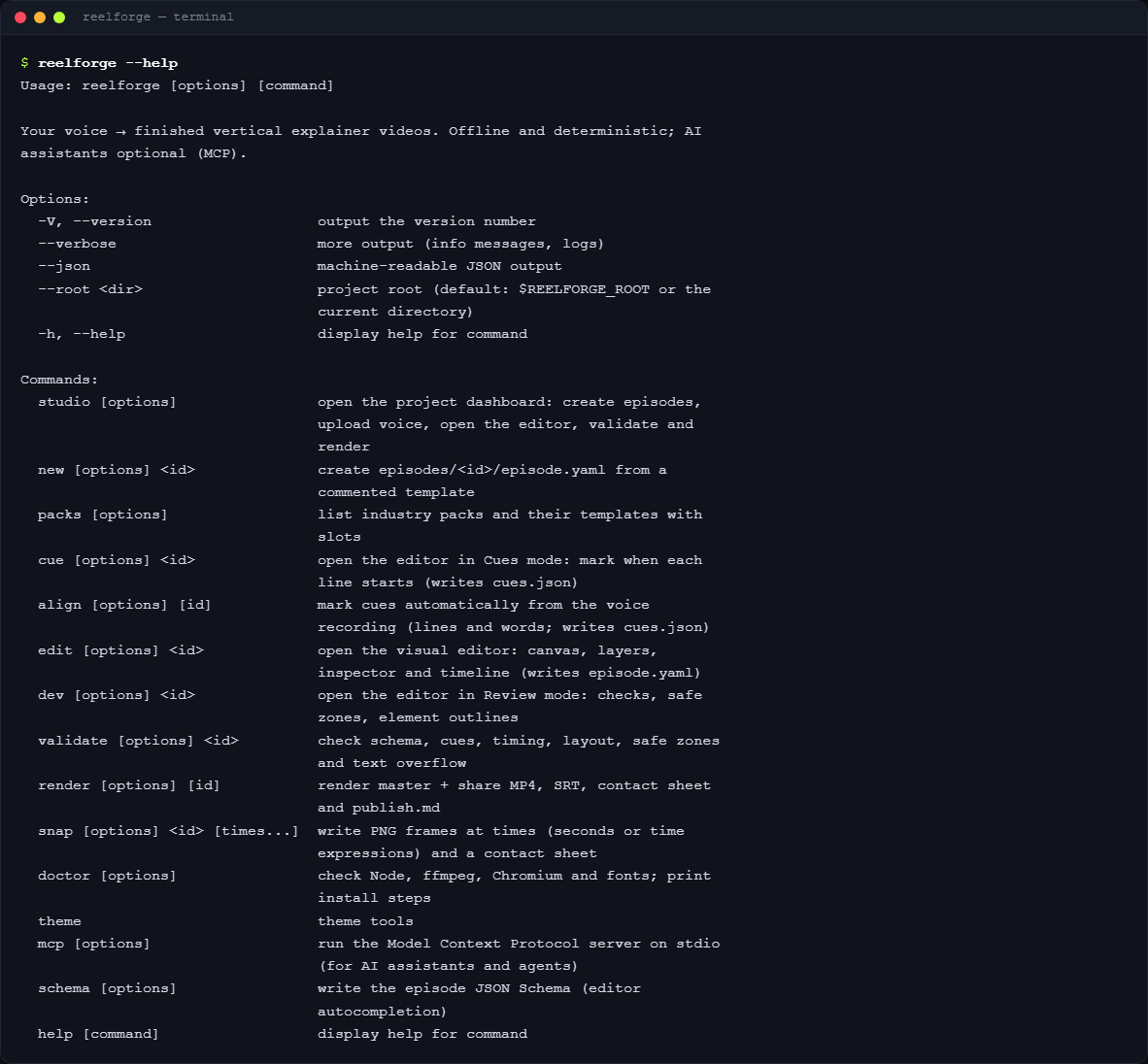
Main commands
| Command | Description |
|---|---|
reelforge studio [--port <n>] [--host <address>] [--no-open] | Open the project dashboard (default http://127.0.0.1:4310) |
reelforge new <id> [--series <name>] [--episode <n>] [--lang en|ar] | Create episodes/<id>/episode.yaml from the blank starter |
reelforge new <id> --pack <pack> [--template <t>] [--lang ar] [--slot k=v …] | Create it from an industry template, with draft cues (see Templates) |
reelforge packs [--lang en|ar] | List the industry packs, their templates and slots (--json for the full slot definitions) |
reelforge edit <id> | Open the visual editor |
reelforge cue <id> [--draft] | Open the editor in Cues mode (--draft writes estimated cues instead) |
reelforge align <id> [--engine dsp|whisper] [--force] [--dry-run] | Cues for every line and word from the recording (see Timing) |
reelforge align --setup [--model tiny|base|small] / --status | Install / show the optional speech models (one time, ~180 MB) |
reelforge dev <id> | Open the editor in Review mode |
reelforge mcp [--toolsets basic,design,render] | Run the MCP server for AI assistants (see AI integration) |
reelforge validate <id> [--strict] [--no-measure] | Check everything; exit code 1 on errors (or warnings with --strict) |
reelforge render <id> [options] / --all | Render (see Rendering and publishing) |
reelforge snap <id> <times…> [--every 5] [--cover] | PNG frames + contact sheet; times may be 12.5, l7, "l7:'word'" |
reelforge doctor [--fix] | Check the environment; --fix downloads Chromium |
reelforge theme new <name> --accent <#hex> [--mode light|dark] [--font <f>] | Generate a full theme (contrast-checked) from an accent color |
reelforge schema [--out <file>] | Write the JSON Schema for editor autocompletion |
Global options: --json (machine-readable output, progress events while rendering), --verbose, --root <folder> (project folder; default: the current folder).
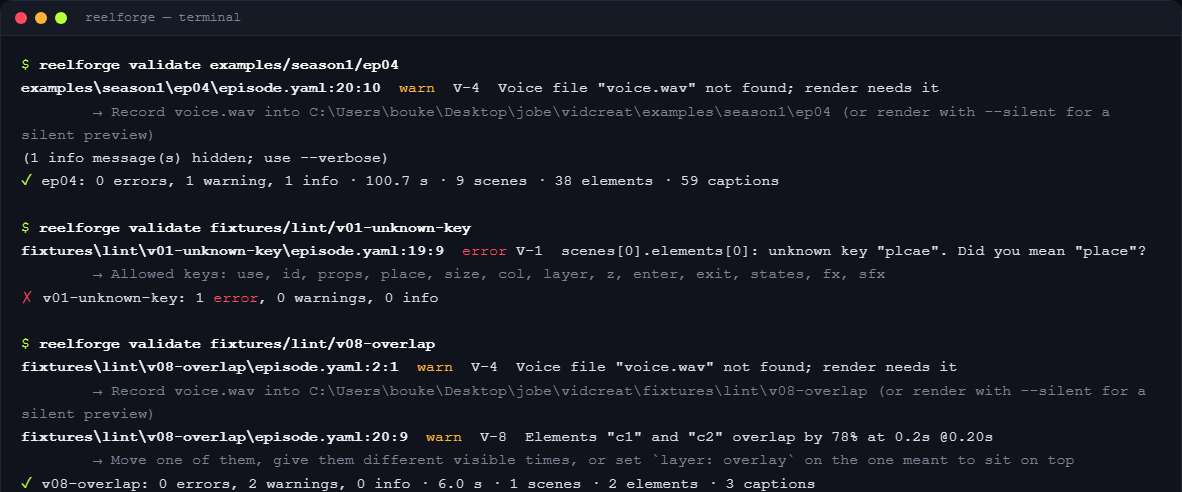
reelforge align options: --engine auto|dsp|whisper (auto: Whisper when installed, else pause detection), --model tiny|base|small, --no-vad, --no-words (line cues only), --force (replace cues you marked by hand), --dry-run (print, don't write). reelforge render --denoise / --no-denoise overrides audio.denoise.
Environment variables
| Variable | Meaning |
|---|---|
REELFORGE_ROOT | Project folder |
REELFORGE_PRESET | Default preset |
REELFORGE_WORKERS | Render processes |
REELFORGE_SHARE_SIZE | Share size in MB |
REELFORGE_JPEG_QUALITY | Frame capture quality (default 95) |
REELFORGE_PORT | Dashboard / studio port |
REELFORGE_HOST | Dashboard bind address (default 127.0.0.1) |
REELFORGE_ALLOWED_HOSTS | Extra Host names the dashboard accepts (comma separated) |
REELFORGE_REQUIRE_TOKEN | 1 requires the bearer token on /mcp and /api/v1 everywhere |
REELFORGE_NO_OPEN | Do not open the browser automatically |
REELFORGE_FFMPEG, REELFORGE_FFPROBE | Paths to ffmpeg / ffprobe |
REELFORGE_CHROMIUM | Path to a Chromium executable |
REELFORGE_CACHE | Folder for the optional speech models |
REELFORGE_CONFIG_DIR | Config folder (llm.json, the server token) |
REELFORGE_LLM_* | Language model for scene suggestions (see models) |
NO_COLOR | Disable colors |